Uncrop & Expand Image using AI

100% safe, automatic and free

Portrait Extension

Portrait Extension

Or try an example:

By uploading you agree to our Terms and Privacy

Powerful Image Extension In Action

See how AI technology seamlessly your images with just a few clicks

Expand Your Creative Vision with AI

Expand Your Creative Vision with AI

Transform your images beyond their original boundaries with Anselly's intelligent AI Uncrop tool. Whether you're working on portraits, landscapes, or product photography, our AI seamlessly extends your images in any direction while maintaining natural consistency and high quality.
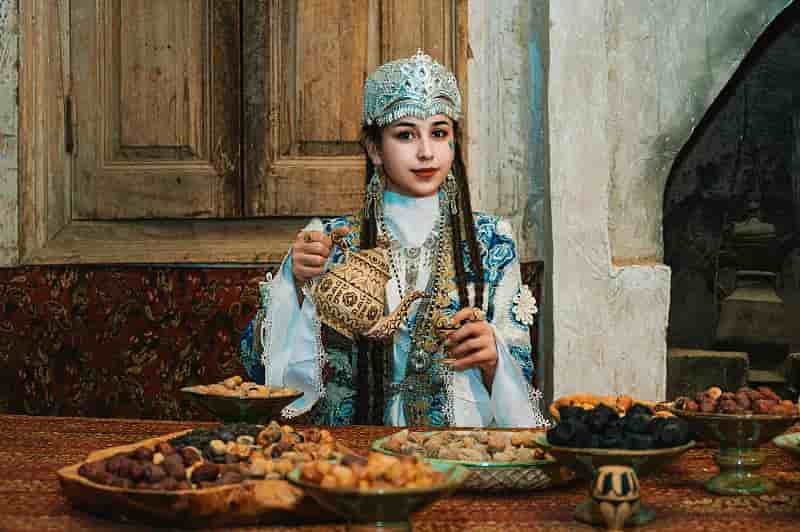
Perfect for Social Media & Marketing

Perfect for Social Media & Marketing

Need specific dimensions for Instagram, Facebook, or your website? Anselly's AI Image Expander intelligently fills in the missing areas around your photos. No more awkward crops or black borders—just beautifully extended images that fit any platform perfectly.
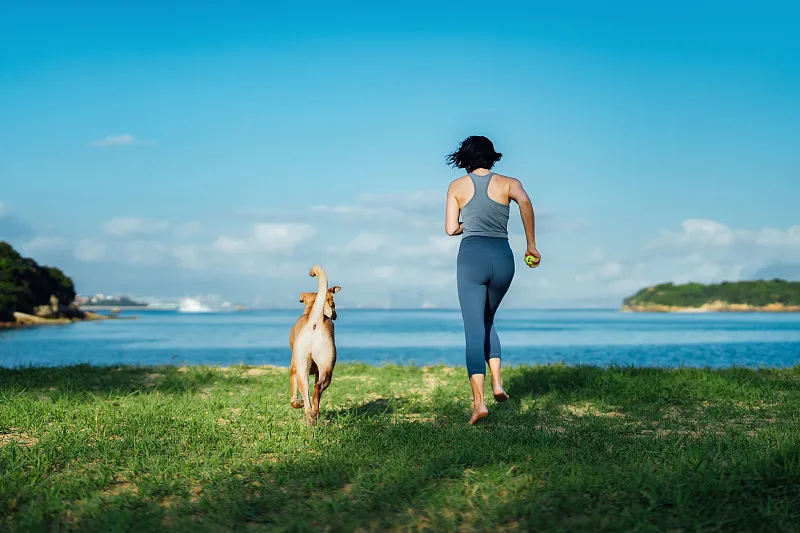
Maintain Quality, Expand Possibilities

Maintain Quality, Expand Possibilities

Anselly uses advanced AI technology to understand your image context and generate realistic extensions. Our smart outpainting preserves the original quality while adding natural-looking content that seamlessly blends with your existing photo.
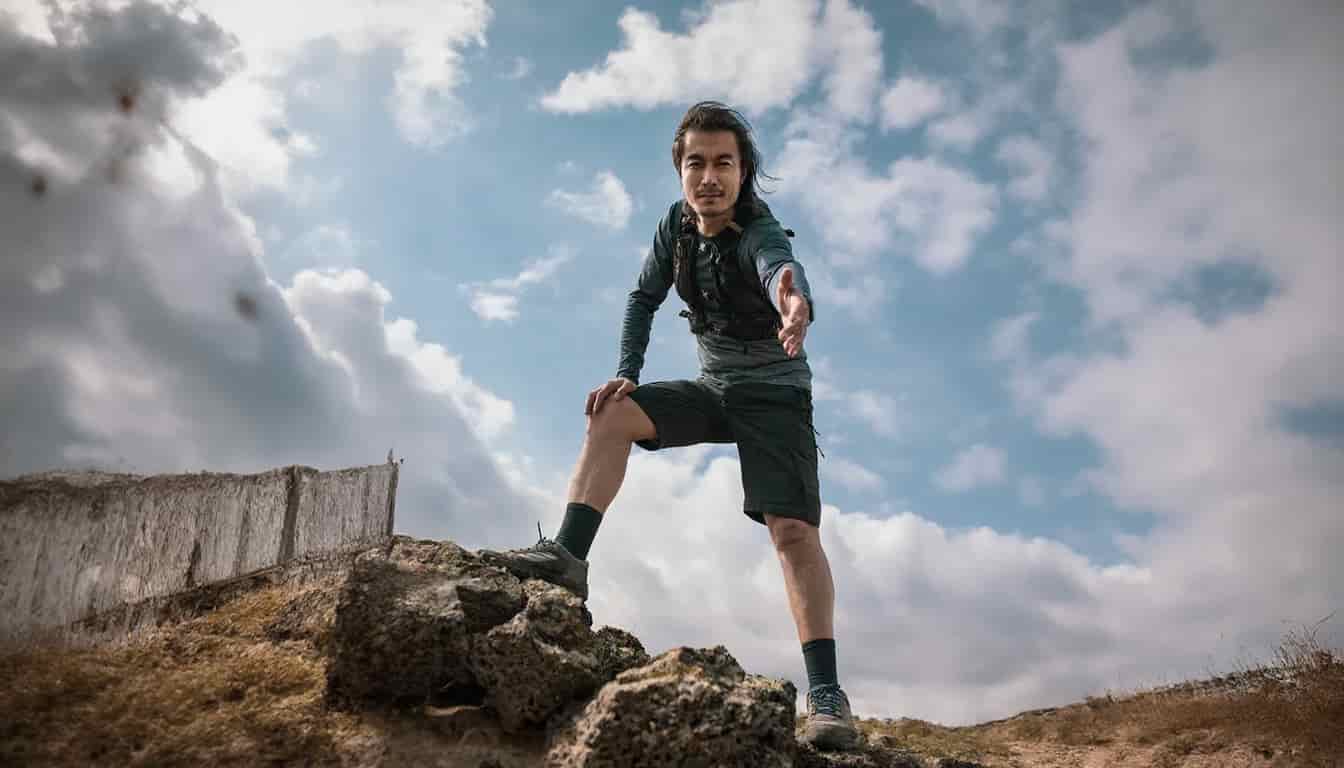
From Portrait to Landscape in Seconds

From Portrait to Landscape in Seconds

Shot a beautiful photo in portrait mode but need it in landscape? Anselly makes it effortless. Our AI analyzes your image and intelligently expands it to your desired aspect ratio, adding contextually appropriate details that look like they were always there.

How it Works

Expanding your image with Raphael is simple and intuitive. Follow these easy steps to transform your visuals.

1

Upload Your Image

Upload the image you want to expand or extend. Supports JPG, PNG, and other common formats.

2

Choose Your Settings

Select the direction and amount of expansion. Our AI will intelligently fill in the extended areas.

3

Generate & Download

Click expand and watch AI work its magic. Download your extended image in seconds.

Frequently Asked Questions

Find answers to common questions about Raphael's image expansion tool

1
What file formats are supported?

Raphael supports all common image formats including JPG, PNG, WEBP, and more. You can upload images up to 10MB for expanding.

2
How accurate is the AI extension?

Our AI is highly accurate and produces natural-looking extensions. It analyzes your image content and seamlessly extends backgrounds, objects, and scenes while maintaining quality and consistency.

3
How long does the process take?

Most image expansions complete within 10-30 seconds, depending on image size and complexity. Premium users experience even faster processing times.

4
Can I use the results commercially?

Free users can use expanded images for personal projects. Premium and Ultimate subscribers have full commercial rights to use the AI-expanded images in their business and professional work.

5
What resolution can I expect?

Raphael maintains or even enhances your image quality. Free users can expand images up to 2048px, while premium users can go up to 4K resolution for professional-grade results.

6
Is there a size limit for uploads?

Yes. Our standard file size limit is 10MB for free uploads. Premium and Ultimate plan users can upload larger files up to 25MB for expansion.

7
Can I undo or redo edits?

Yes, you can download multiple versions and compare results. Each expansion creates a new file, so you never lose your original image.

8
Can I extend images in specific directions only?

Absolutely! You can choose to expand in all directions or select specific sides - top, bottom, left, right, or any combination. This gives you complete control over your final composition.

9
Is my data/text private?

Yes. Images are processed securely and automatically deleted from our servers after processing. We never store or share your photos without permission. Your privacy is our priority.

10
Why do I need to create an account?

Creating an account is free and takes just seconds. It allows us to manage your credits, save your work history, and provide you with the best possible experience across all our AI tools.

11
Can I extend images with people?

Yes! Our AI is trained to handle portraits and photos with people. It intelligently extends backgrounds while preserving subjects, making it perfect for portrait photography and professional headshots.

12
What makes Raphael's Uncrop different?

Raphael uses state-of-the-art AI models specifically trained for image expansion. We provide superior quality, faster processing, and more control than other tools. Plus, our user interface is designed for both beginners and professionals.

Still have questions about image expansion?

Contact Support