AI Background Remover

Remove backgrounds instantly with AI precision

Original with Background
Background Removed

See the magic happen

Upload your image and watch AI remove the background instantly

Upload Image

or drop a file, paste image or URL

No image? Try one of these:

Person
Person

Car

Car

Product

Product

Animal

Animal

Real Examples & Results

See the magic of AI background removal across different categories

Portrait Photos

Person

Emily, a freelance designer, snapped a selfie in a busy café and, with one click, turned it into a crisp studio-quality headshot for her LinkedIn and portfolio — no green screen or manual masking required.

Person original
Person background removed
Before
After

Pet Photos

Pet

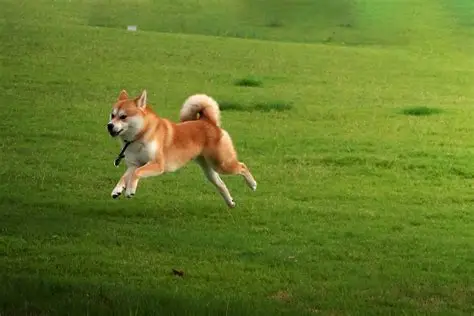
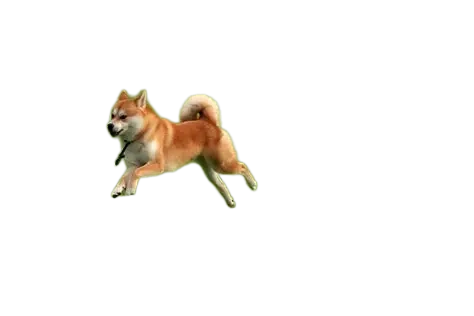
Mark runs a small pet-accessory shop on Shopify — he uploaded a playful photo of his Border Collie at the park and instantly got a transparent PNG ready for custom stickers and packaging, saving an afternoon in Photoshop.
Pet original
Pet background removed
Before
After

Product Photos

Product

Sophie snapped a quick photo of her new smartwatch prototype on a cluttered wooden desk; the AI stripped everything away and delivered a pure-white packshot ready for Amazon — later analytics showed a 20% higher click-through rate.
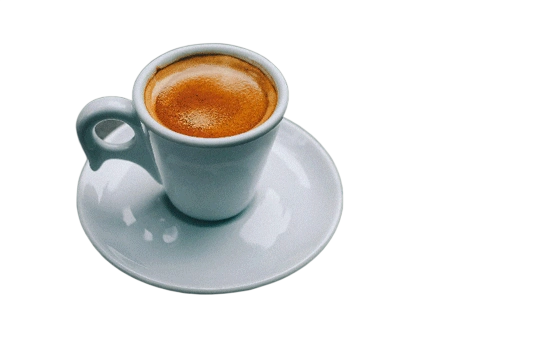
Product original
Product background removed
Before
After

Vehicle Photos

Car

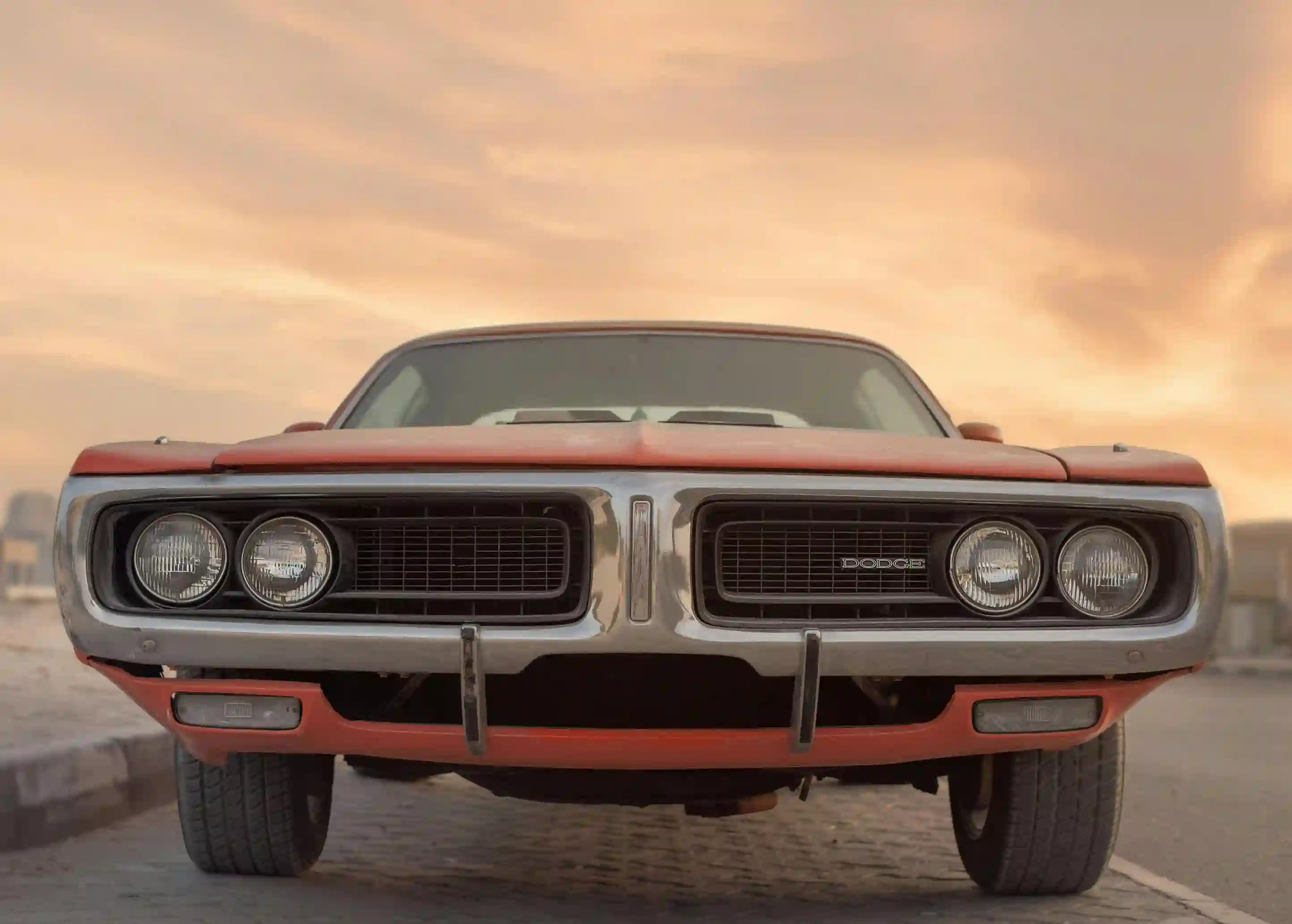
An auto dealer received a trade-in photo taken in a dim garage; within seconds, the background was replaced with a neutral grey gradient, producing a showroom-style image that helped the vehicle sell three days faster.
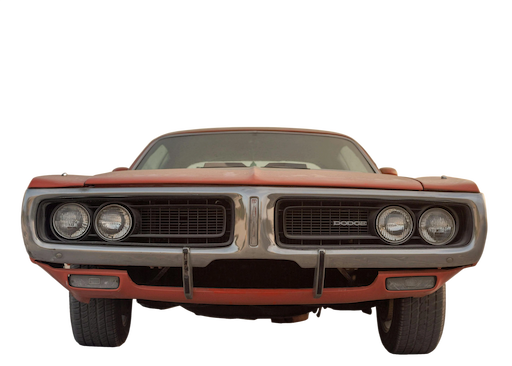
Car original
Car background removed
Before
After

Powerful AI Features

Experience the new generation of background removal technology

5 Second Processing

Lightning-fast processing removes backgrounds in just 5 seconds or less. No more waiting around - get instant results for your images.

Free to Use

Remove backgrounds from your images completely free. No hidden costs, subscriptions, or premium tiers required for basic functionality.

HD Quality Output

Get crystal-clear, high-definition results with precise edge detection. Our AI maintains image quality while removing backgrounds flawlessly.

Smart AI Detection

Advanced AI algorithms accurately detect and preserve subject details including hair, fur, and complex edges with professional-grade precision.

One-Click Removal

Simple one-click operation makes background removal effortless. No manual editing or complex tools required - just upload and click.

Pixel-Perfect Precision

Experience pixel-level accuracy in background removal. Our technology ensures clean edges and preserves fine details for professional results.

Multiple Formats

Export your images in PNG with transparency or JPG with solid backgrounds. Choose the format that best suits your needs.

Custom Backgrounds

Replace removed backgrounds with custom colors, gradients, or images. Create the perfect look for your product photos or portraits.

How It Works - 4 Simple Steps

1

Upload Your Image

Simply drag and drop or click to upload any image you want to process. Supports all common formats.

2

AI Processing

Our advanced AI automatically detects subjects and removes the background with pixel-perfect accuracy.

3

Customize Background

Choose transparent PNG, white background, or add your own custom color or image background.

4

Download Result

Download your high-quality, background-free image instantly. Use it for any purpose without watermarks.

Try It Now - Remove Backgrounds

100% Free • No signup • Instant results

Frequently Asked Questions about Raphael AI Background Remover

Get insights into how our AI-powered background remover tool works

1
How does Raphael AI Background Remover work?

Raphael's AI Background Remover uses advanced machine learning algorithms trained on millions of images. Simply upload your photo, and our AI instantly analyzes the image, identifies the subject, and removes the background with pixel-perfect precision. The entire process is automated and takes just seconds.

2
What types of images can I use with AI Background Remover?

You can use Raphael AI Background Remover with any type of image - portraits, product photos, pets, vehicles, and more. Our AI is trained to handle various subjects and backgrounds, delivering professional results regardless of image complexity.

3
What file formats does Raphael AI Background Remover support?

Raphael supports all common image formats including JPG, PNG, WEBP, and more. You can upload images up to 10MB. The output can be downloaded as transparent PNG or JPG with white background.

4
Is Raphael AI+ Background Remover really free to use?

Yes! Raphael offers free background removal for all users. You can remove backgrounds from images without any cost. Premium plans offer additional features like batch processing, higher resolution outputs, and priority processing.

5
How accurate is Raphael at detecting objects and removing backgrounds?

Raphael uses state-of-the-art AI models that achieve over 95% accuracy in object detection and background removal. Our algorithms excel at preserving fine details like hair, fur, and complex edges while cleanly removing backgrounds.

6
Does Raphael AI remove backgrounds from product images too?

Absolutely! Raphael AI Background Remover is perfect for e-commerce product photography. It cleanly removes backgrounds from product photos, creating professional-looking images ideal for online stores, catalogs, and marketing materials.

7
How fast does Raphael AI remove the background?

Most images are processed in just 3-5 seconds! Our optimized AI pipeline ensures lightning-fast processing without compromising quality. Premium users get even faster processing with priority queue access.

8
Can I use Raphael AI-edited images for my online store?

Yes! Images processed with Raphael can be used for commercial purposes including e-commerce stores, marketing campaigns, and professional portfolios. Free users should credit anselly.com, while premium subscribers have unrestricted commercial usage rights.

9
What exactly does the AI Background Remover analyze before removing the background?

Our AI analyzes multiple aspects: subject boundaries, edge complexity, color contrast, depth information, and contextual clues. This comprehensive analysis allows it to accurately distinguish subjects from backgrounds and create clean, natural-looking cutouts.

10
Is my data/text private?

Absolutely. Your privacy is our top priority. All uploaded images are processed securely and automatically deleted from our servers after processing. We never store, share, or use your images for any purpose without explicit permission.

11
Can I edit the background after removal?

Yes! After removing the background, you can replace it with a solid color, gradient, or upload your own custom background image. This gives you complete creative control over your final image.

12
What makes Raphael AI Background Remover different from other tools?

Raphael combines cutting-edge AI technology with user-friendly design. We offer superior edge detection, faster processing, transparent pricing, and better quality than competitors. Plus, our tool is optimized for both professionals and beginners.

13
Can I use Raphael AI Background Remover on mobile device?

Yes! Raphael works seamlessly on mobile browsers. Simply visit our website from your smartphone or tablet to remove backgrounds on the go. A dedicated mobile app with additional features is coming soon.

14
Will Raphael AI Background Remover work for batch processing in the future?

Yes! Batch processing is available for Premium and Ultimate plan subscribers. Process multiple images simultaneously with consistent settings - perfect for e-commerce sellers, photographers, and content creators.

Still have questions about background removal?

Contact Support